PRACTICE OPERATIONS SYSTEM
Stop turning patient communication
into a phone chain.
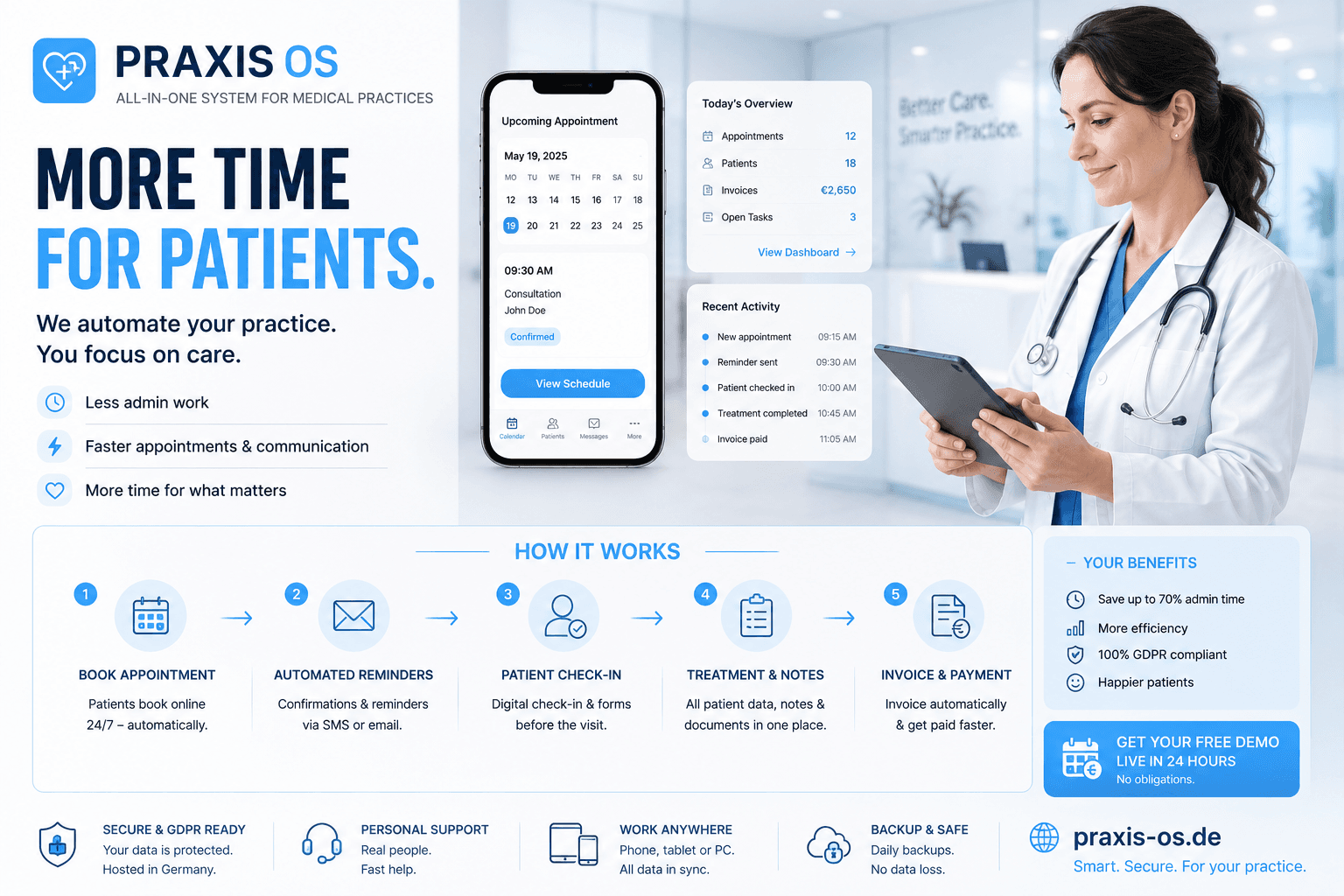
PraxisOS keeps patient bookings, lab results, records and follow-ups connected in one practice flow — without changing how the clinical team already works.
THIS KEEPS HAPPENING
The same phone calls. Every day.
THE BOOKING CALL
Patient calls to book. Reception checks the calendar. Calls back to confirm the slot is still available. Patient calls again two days before the appointment to confirm. The phone rings again.
THE LAB RESULTS
Lab results arrive. Patient calls to ask. Reception takes a message. Doctor is with a patient. Doctor calls back when available. Patient missed the call. Patient calls again.
THE DOUBLE BOOKING
Two patients scheduled for the same slot through different channels. Discovered the morning of. One appointment moved. One patient contacted last minute. One appointment leaves an empty slot.
THE GDPR REQUEST
Patient requests access to their records. Records exist across different systems — some digital, some paper. Compiling the complete file takes two days. Deadline is seven.
HOW PATIENT COMMUNICATION MOVES RIGHT NOW
Every relay is a place where time is lost and information can be missed.
01
Patient calls
For booking or results
02
Reception takes
Message or calendar check
03
Doctor informed
When available
04
Callback
If patient is available
05
Patient calls
Again, if missed
SYSTEM INSTALLED
PraxisOS removes the phone from the middle of patient communication.
Patients book online. Confirmation arrives automatically. Lab results uploaded and visible in the patient portal. GDPR-compliant records retrievable instantly. The practice team focuses on clinical work — not coordination calls.
WHAT CHANGES
Online booking — no phone call required to schedule
Automatic confirmation — patient notified instantly
Lab results in patient portal — no callback chain
GDPR records — instantly retrievable, not compiled on request
Appointment reminders — automatic, no staff involvement
HOW A PATIENT JOURNEY MOVES
From the first booking to the follow-up — connected.
Patient books online
Selects appointment type and available slot. Confirmation sent automatically. No reception involvement required for standard bookings.
Visit completed
Clinical notes recorded in the patient record. No paper. No transcription to a second system.
Lab results uploaded
Results arrive and are added to the patient portal directly. Patient notified. No callback chain required.
Patient accesses portal
Patient sees results, appointment history and any practice communications. GDPR-compliant. Accessible from any device.
Follow-up scheduled
Follow-up appointment booked from the portal if needed. Reminder sent automatically before the appointment date.
THE SYSTEM IN OPERATION
WHAT CHANGED AFTER INSTALLATION
BEFORE
AFTER
Patients call to book — reception coordinates
Patients book online — confirmation automatic
Lab results via phone callback chain
Lab results in patient portal — no callbacks
Double bookings from multiple channels
Single calendar — no scheduling conflicts
GDPR records compiled on request over days
GDPR records retrievable instantly
Appointment reminders made by phone
Automatic reminders — no staff involvement
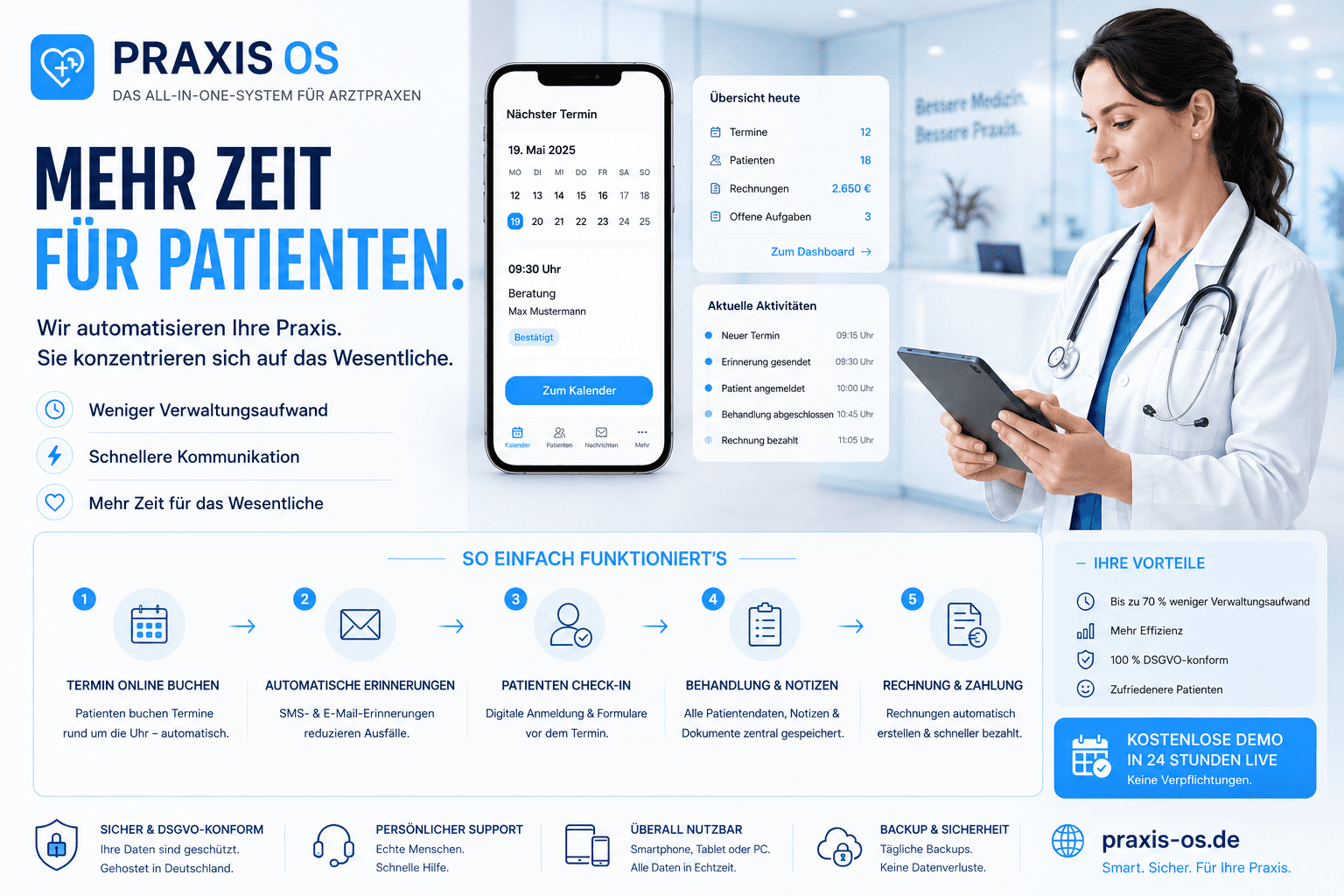
A real practice workflow — from booking to patient portal.
The walkthrough covers online booking, appointment management, lab result upload, patient portal access, and GDPR record retrieval. The full system — not a feature presentation.
WHAT HAPPENS NEXT
01
Short conversation
We learn about the practice — specialty, team size, current booking and record flow.
02
Workflow reviewed
We map how patients currently move through the practice before configuring anything.
03
System configured
PraxisOS set up for the specific specialty — booking types, portal access, GDPR settings.
04
Start with booking
Begin with online scheduling. Add portal, lab results and records as the team gets comfortable.
CONNECTED SYSTEMS
Operations rarely run in one system.
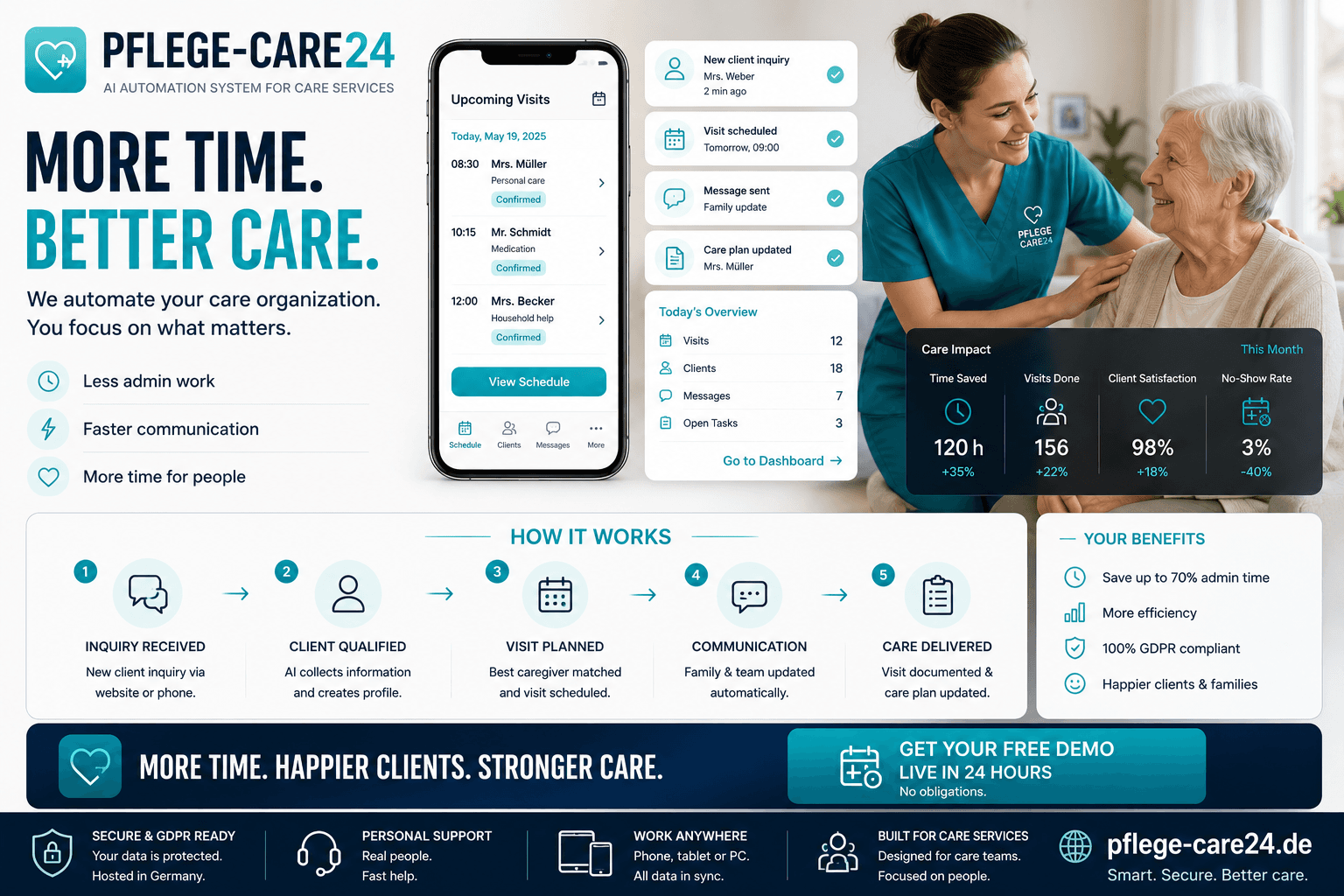
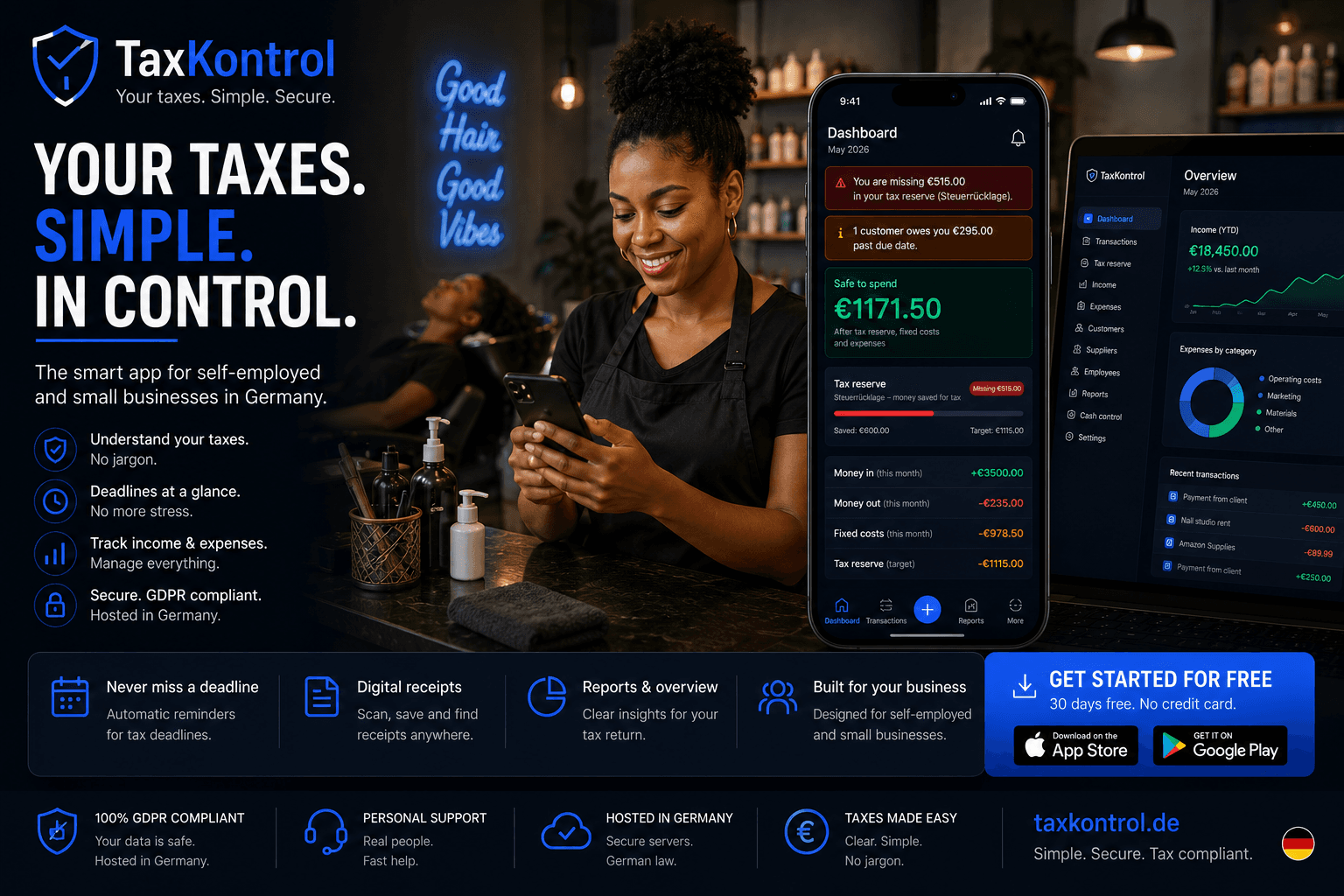
Businesses usually solve more than one operational bottleneck. These systems often work together.
SCHEDULE A WALKTHROUGH
See PraxisOS working for your specialty.
Tell us about the practice. We walk through the live system and show how PraxisOS fits the way patients and the clinical team already interact.
// No commitment · Reply within 24 hours · German healthcare standards · DSGVO compliant