PRINT WORKFLOW SYSTEM
Catch file issues before they become expensive reprints.
PrintShopOS keeps quotes, artwork validation and production handovers moving in one workflow — without rebuilding how your print shop already works.
THIS KEEPS HAPPENING
The same situations. Every week.
THE QUOTE EMAIL
A customer emails with specs. You reply with a quote. They reply with changes. You send a revised quote. Four days pass. No order yet.
THE FILE PROBLEM
Artwork arrives. It looks fine on screen. The bleed is wrong. The resolution is insufficient. You discover this after the press run. The reprint cost comes out of the margin.
THE RUSH JOB
An urgent order arrives. It gets added to the spreadsheet. Someone updates the wrong row. The job is late. The customer finds out when they follow up.
THE INVOICE REQUEST
Job is complete. Customer asks for their invoice. You open the template, fill in the details, attach the PDF, send the email. Twenty minutes per job, every job.
HOW ORDERS MOVE RIGHT NOW
Every manual step is a place where time and margin are lost.
01
Quote by email
Back-and-forth required
02
File arrives
Checked manually
03
Press run
Error discovered here
04
Reprint
Margin absorbed
05
Manual invoice
20 minutes per job
SYSTEM INSTALLED
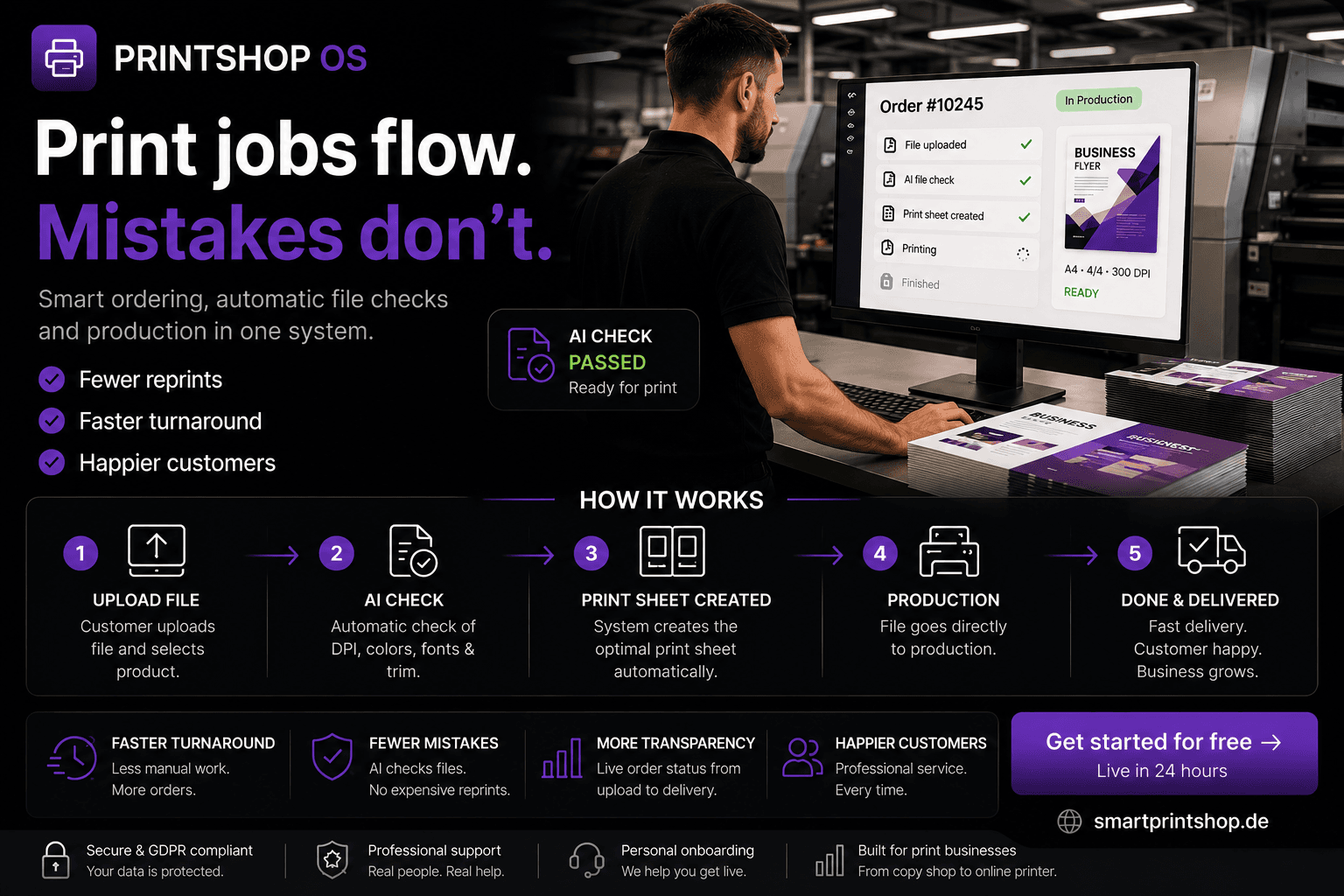
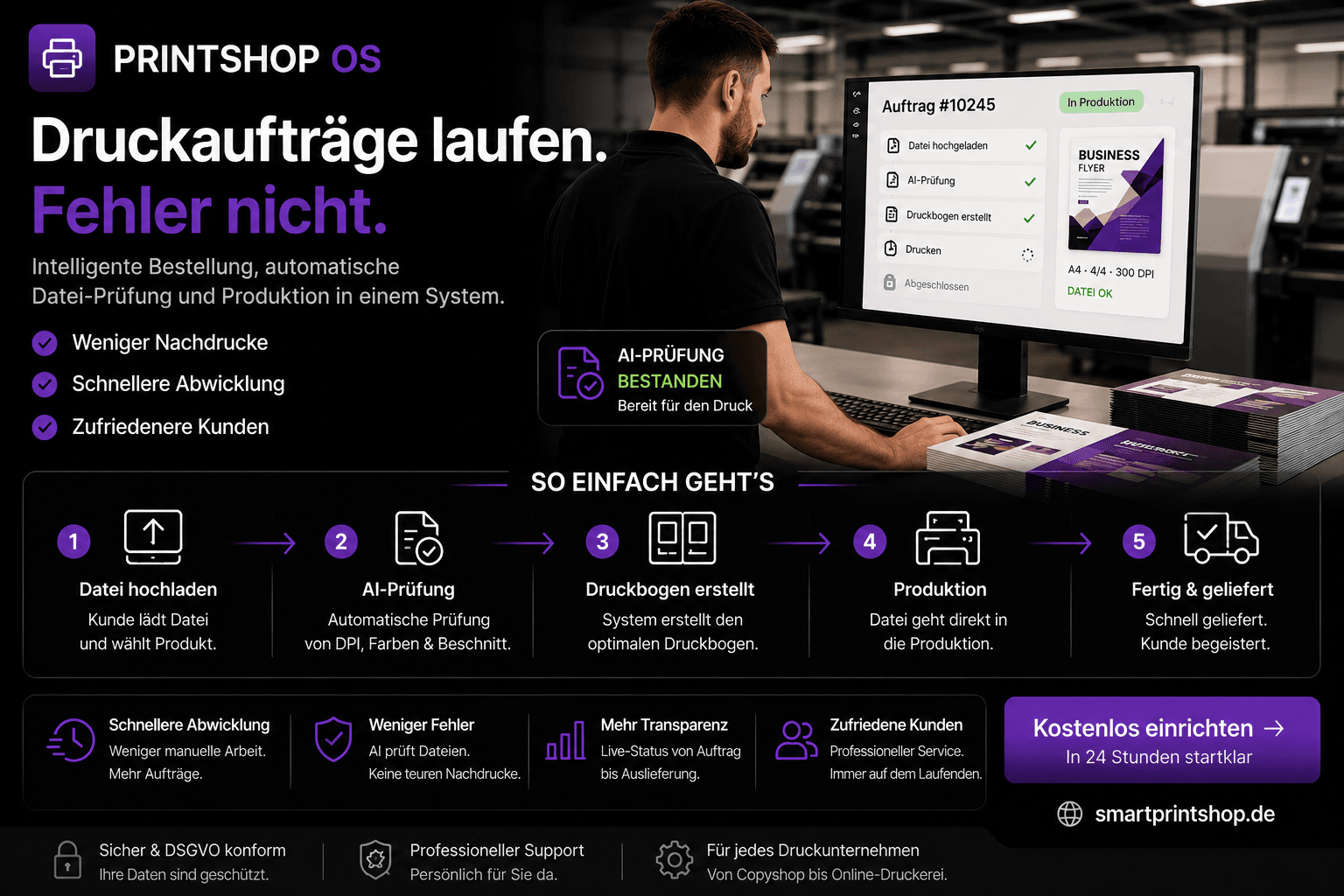
PrintShopOS validates files, organizes production and keeps orders moving from the moment a request arrives.
Customers configure their order and upload artwork directly. The system checks DPI, bleed, colours and dimensions before the file reaches the press. Bad files are rejected at the upload step — not after printing.
Every order enters a production queue automatically. Invoices generated on payment. Customers updated without a phone call.
WHAT RUNS AUTOMATICALLY
File validation — before the press run, every time
Production queue — updated per order, no manual entry
Invoice generation — on payment confirmation
Customer updates — status sent without staff involvement
HOW AN ORDER MOVES
From the first request to delivery. Without the back-and-forth.
Customer configures and orders
Selects product, size and quantity. Price calculates in real time. No quote request. No email. No waiting.
Artwork uploaded
Customer uploads the file directly. The system checks it immediately — resolution, bleed, colour profile, dimensions.
File validated automatically
Issues flagged before production begins. Customer corrects and re-uploads. No staff involvement needed for standard files.
Payment confirmed
Order paid via Stripe. Invoice generated automatically. Customer receives confirmation. Production queue updated.
Production to delivery
Job tracked through production stages. Customer notified at key points. No phone calls required for status updates.
THE SYSTEM IN OPERATION
WHAT CHANGED AFTER INSTALLATION
The shop runs the same way. The orders move differently.
BEFORE
AFTER
Quotes sent by email — days of back-and-forth
Customer configures and pays without contacting you
Bad files found after the press run
File issues caught at upload — before production
Production tracked in a shared spreadsheet
Every order tracked automatically from payment
Invoices created manually per job
Invoice generated on payment — automatically
Customer calls for a status update
Customer notified at each production stage
SEE THE SYSTEM WORKING
A real print workflow. From uploaded artwork to production completion.
The walkthrough covers a live session — customer order flow, file validation in action, production queue view, and invoice generation. The system running, not a presentation about the system.
WHAT THE WALKTHROUGH COVERS
Customer self-serve order flow — no email required
File validation — what the system catches and how
Production queue — order tracking from payment to delivery
Admin view — full order management and status
Multilingual platform — EN / DE / FR in one system
WHAT HAPPENS NEXT
From the first conversation to a running platform.
01
Short conversation
We learn about the print shop — what products you offer, how orders arrive, where the friction is currently.
02
Catalogue reviewed
We look at your product range and configure pricing, sizing options and upload requirements around your current offering.
03
Workflow configured
PrintShopOS is set up for your production process — validation rules, queue stages, customer communication.
04
Launch gradually
Start with one product category. Add more as the workflow becomes familiar. No full switchover required on day one.
CONNECTED SYSTEMS
Operations rarely run in one system.
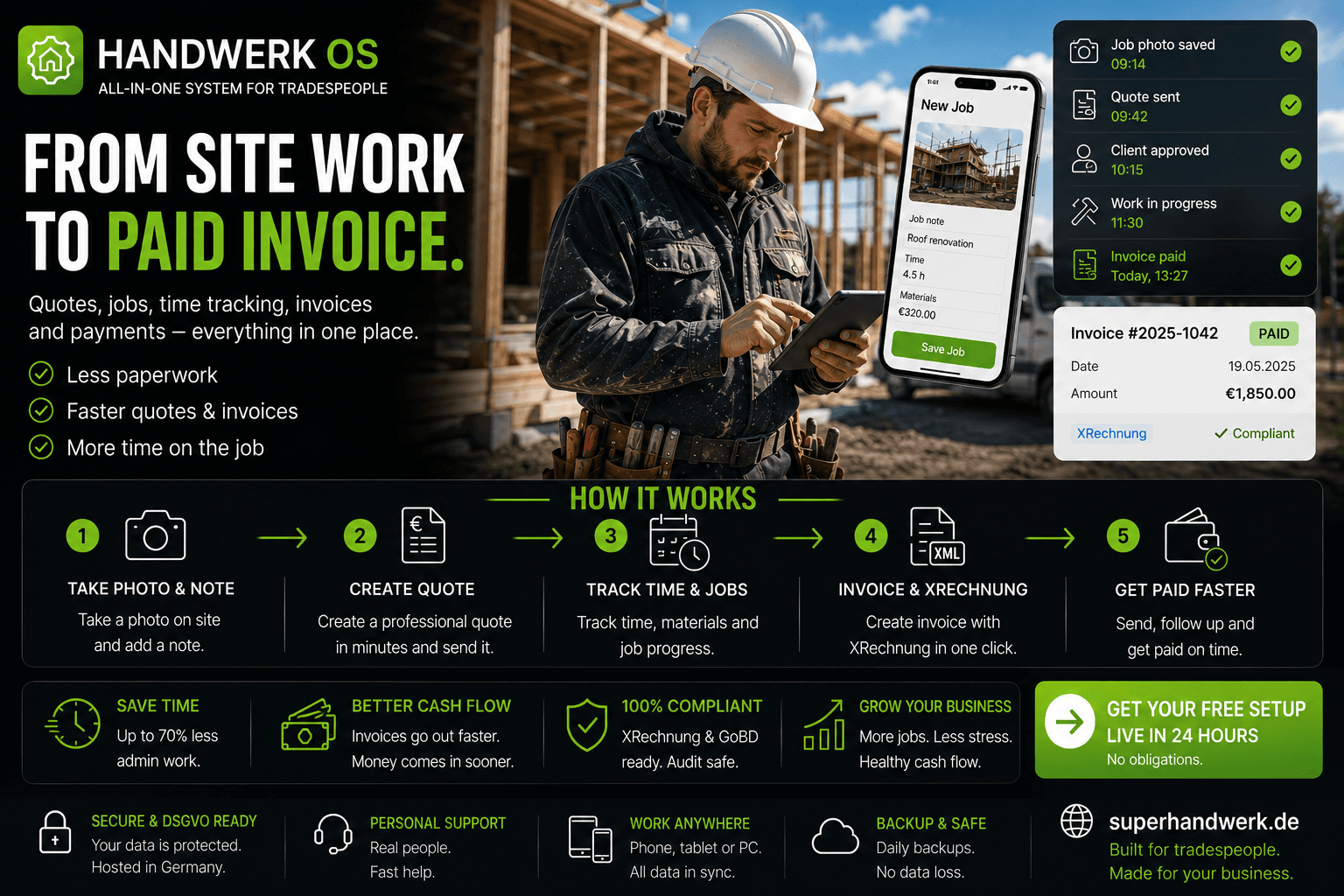
Businesses usually solve more than one operational bottleneck. These systems often work together.


REQUEST A WALKTHROUGH
See PrintShopOS working in a real print environment.
Tell us about the print shop. We walk through the live workflow and show how PrintShopOS fits the specific way your shop already operates.
— Short conversation first — no commitment.
— Configured to your product catalogue.
— Start with one category. Expand when ready.
Limited slots · Setup in 5–10 days · Your catalogue, your domain