FIELD OPERATIONS SYSTEM
Stop re-entering paperwork
after every site visit.
HandwerkOS keeps jobs, quotes, time tracking and invoices connected from the first site visit to the paid invoice — without changing how the team already works on site.
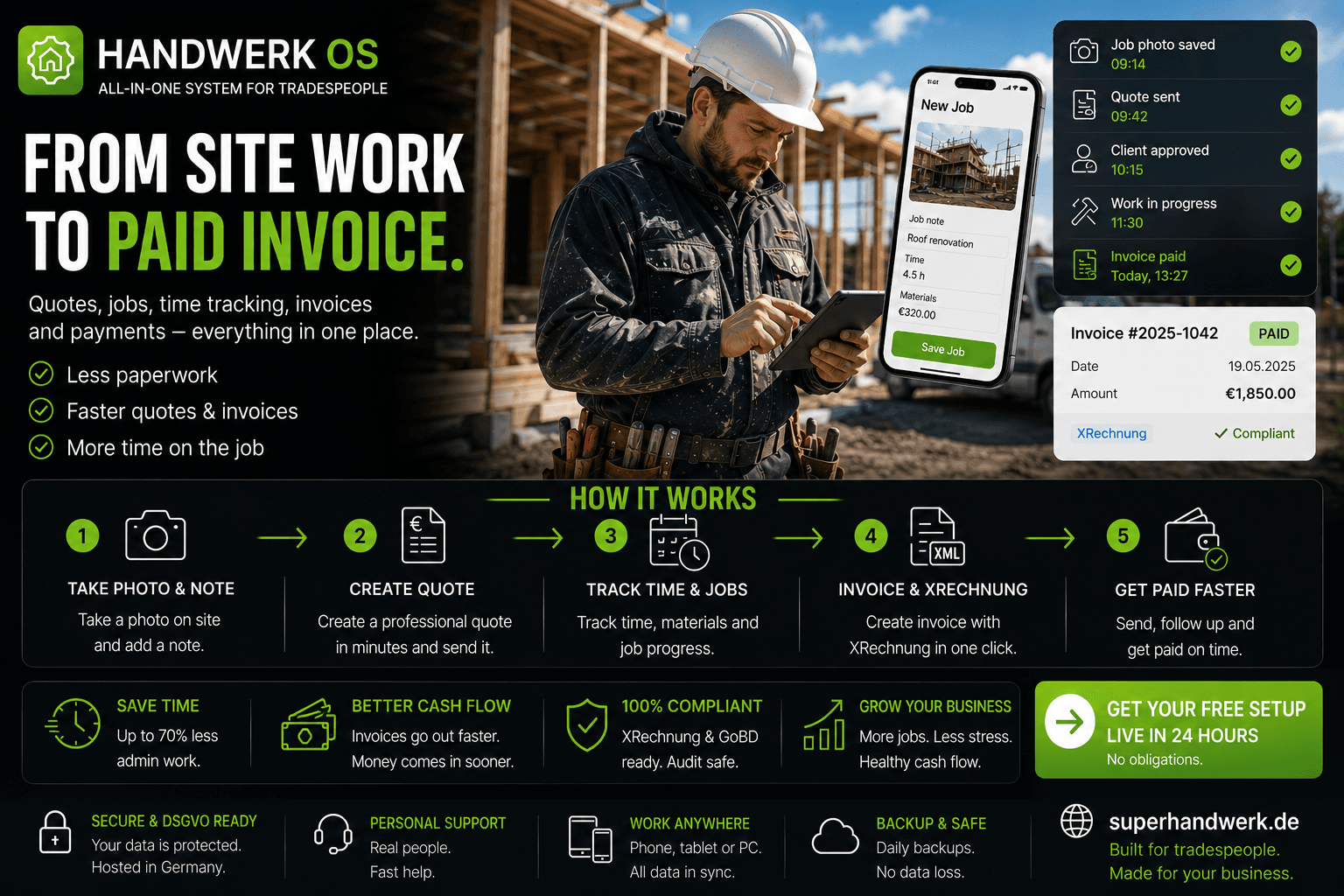
THIS KEEPS HAPPENING
The same friction. After every job.
DOUBLE ENTRY
Job is done on site. Notes written on paper. Back at the office, the same information is typed into the system — if the paper can still be read, and if there is time before the next job.
THE QUOTE DELAY
Customer wants a quote. Price comes from memory or a rate card that lives in a folder somewhere. Quote is sent three days later. The customer has already called someone else.
TIME NOT TRACKED
Technician is on site for four hours. Time is not formally recorded. Invoice is estimated at the end of the month. Estimate is usually conservative. That is the margin that disappears.
XRECHNUNG BY HAND
Invoice is ready. Public sector client needs XRechnung XML. Someone opens the documentation again. The XML is built manually. An hour of administration for a standard deliverable.
HOW A JOB MOVES RIGHT NOW
Every re-entry is a place where time is spent and information can change.
01
Site visit
Paper job sheet filled
02
Office entry
Same data typed again
03
Quote request
Pricing from memory
04
Dispatch
No GPS tracking active
05
Invoice
XRechnung built manually
SYSTEM INSTALLED
You photograph the job sheet. Ten seconds later, the record exists.
AI reads the job sheet image and creates the full record — client, scope, notes, location. Quote is generated from current market rates. PDF sent to the client directly. Technician dispatched. GPS check-in starts time tracking.
When the job is accepted, one click converts the quote to an invoice. XRechnung XML attached automatically.
WHAT RUNS AUTOMATICALLY
Job record from photo — in under 10 seconds
Quote at market rates — generated and sent
GPS time tracking — from check-in to check-out
Invoice from accepted quote — one click
XRechnung XML — attached automatically
HOW A JOB MOVES
From the site photograph to the paid invoice.
Photograph the job sheet
Taken on site with any phone. AI creates the full job record — client, scope, site details — in under 10 seconds. No manual entry.
Quote generated
Market-rate pricing suggested automatically. Quote formatted and sent as a PDF to the client directly from the system.
Technician dispatched
Job assigned to the right team member. GPS check-in starts time tracking when they arrive on site.
Invoice created
Accepted quote converts to invoice with one click. XRechnung XML generated and attached automatically for compliance.
Payment tracked
Invoice sent. Follow-up triggered automatically if payment is overdue. Status visible without checking email.
THE SYSTEM IN OPERATION
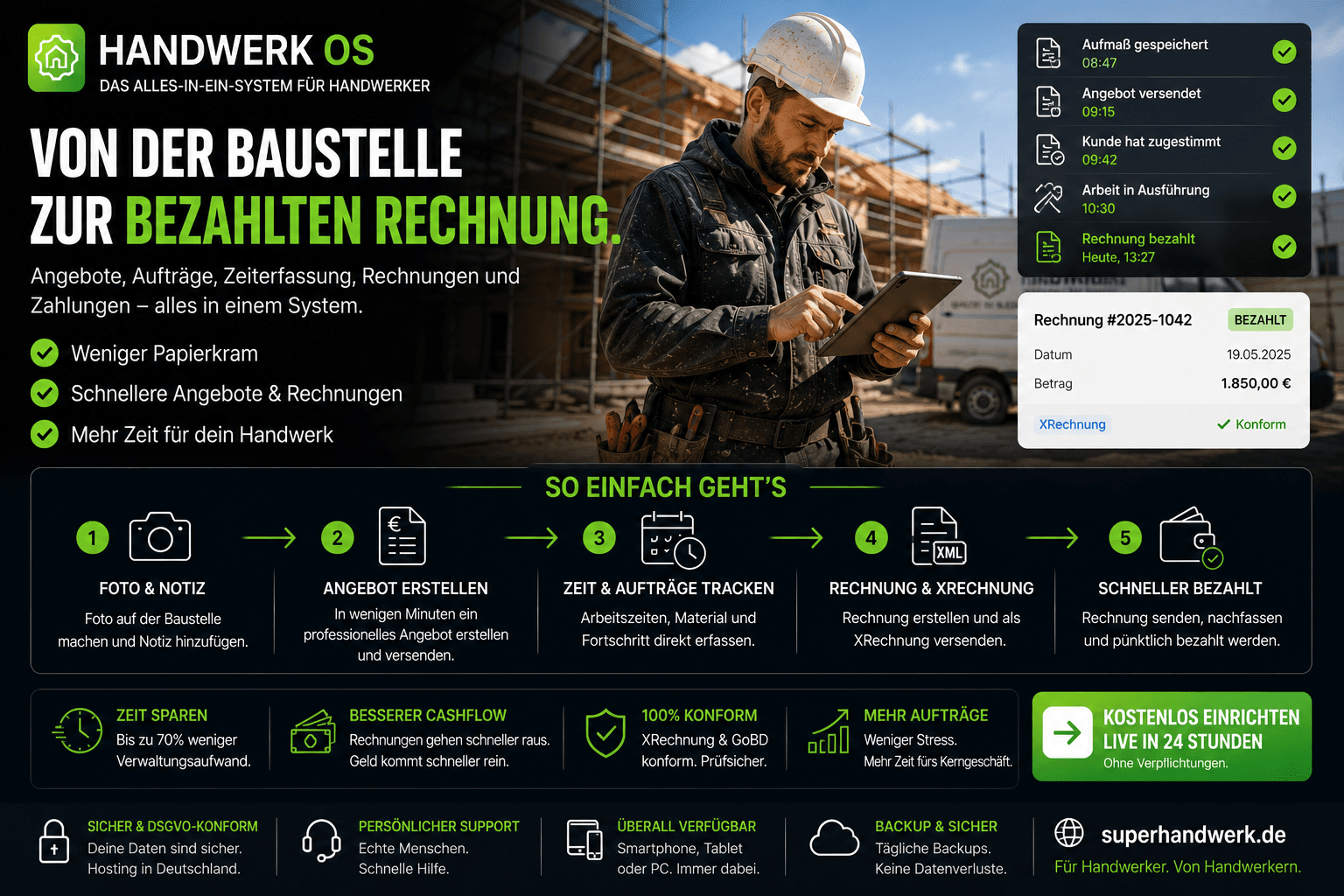
WHAT CHANGED AFTER INSTALLATION
The work on site does not change. Everything around it does.
BEFORE
AFTER
Paper job sheet → office re-entry
Photo → record created in 10 seconds
Quote from memory, sent days later
Quote from market rates, sent immediately
Time estimated at month-end
GPS-tracked from check-in to check-out
Invoice built manually per job
One click from accepted quote
XRechnung XML built by hand each time
XRechnung generated automatically on invoice
SEE THE SYSTEM WORKING
A real job workflow. From the photograph to the invoice.
The walkthrough covers a live session — job sheet photo, AI record creation, quote generation, technician dispatch, GPS tracking, and invoice with XRechnung. The system working, not a feature list.
WHAT THE WALKTHROUGH COVERS
Photo to job record — live demonstration
Quote generation at market rates
GPS dispatch and time tracking flow
One-click invoice with XRechnung XML
Payment tracking and follow-up
WHAT HAPPENS NEXT
From the first conversation to jobs running through the system.
01
Short conversation
We learn about the business — trade type, team size, current job flow, and where the most time is lost.
02
Workflow reviewed
We look at how jobs currently move from site to invoice and configure the system around the existing process.
03
System configured
HandwerkOS set up for the specific trade — job templates, quote pricing, dispatch flow, invoice format.
04
Start with one trade
Begin with the job type that creates the most administration. Expand across the business as the team gets comfortable.
CONNECTED SYSTEMS
Operations rarely run in one system.
Businesses usually solve more than one operational bottleneck. These systems often work together.



SCHEDULE A WALKTHROUGH
See the system working for your trade.
Tell us about the business and how jobs currently move through the team. We walk through the live system and show how HandwerkOS fits the way your operation already runs.
— Short conversation first — no commitment.
— Configured to your trade and workflow.
— Start with one job type. Expand when ready.
// No commitment · Reply within 24 hours · Live demo available on request