HOSPITALITY OPERATIONS SYSTEM
Orders move.
Staff doesn't.
QR ordering, kitchen routing, bill splitting and payments, all in one simple system. No app for guests. No tablet for staff.
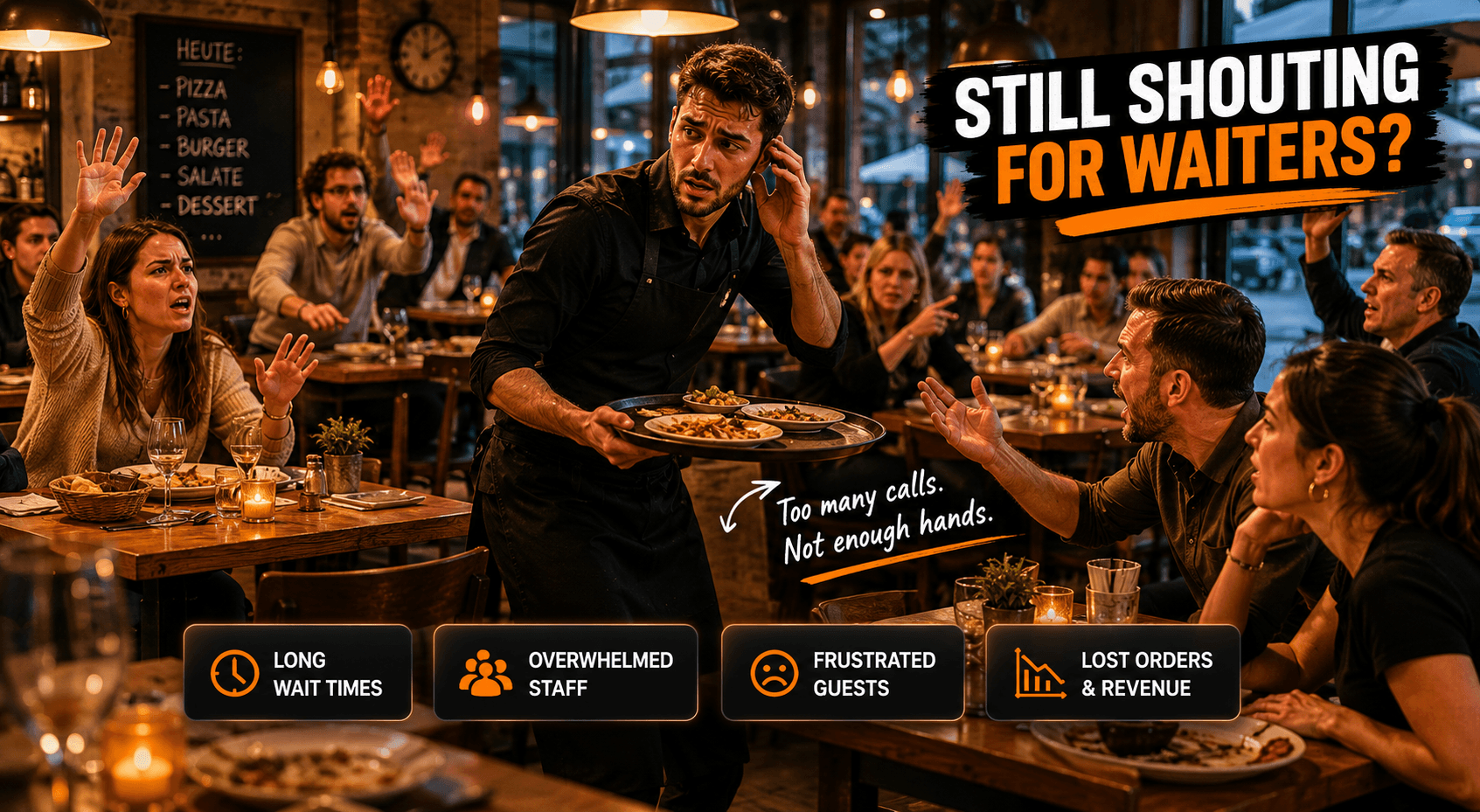
THIS HAPPENS EVERY SERVICE
The same shouting. Every night.
THE WAVE FOR THE WAITER
The table wants to order. The waiter is across the room. A wave, a call out, a few minutes of waiting before the order is even taken.
THE HANDWRITTEN ORDER
The order is written on a pad. Carried to the kitchen. One dish misheard, one modification forgotten. The mistake only shows up when the plate reaches the table.
THE BILL AT THE END
Six guests, one bill, no clear split. Someone works it out on their phone. The waiter waits. The next table waits too.
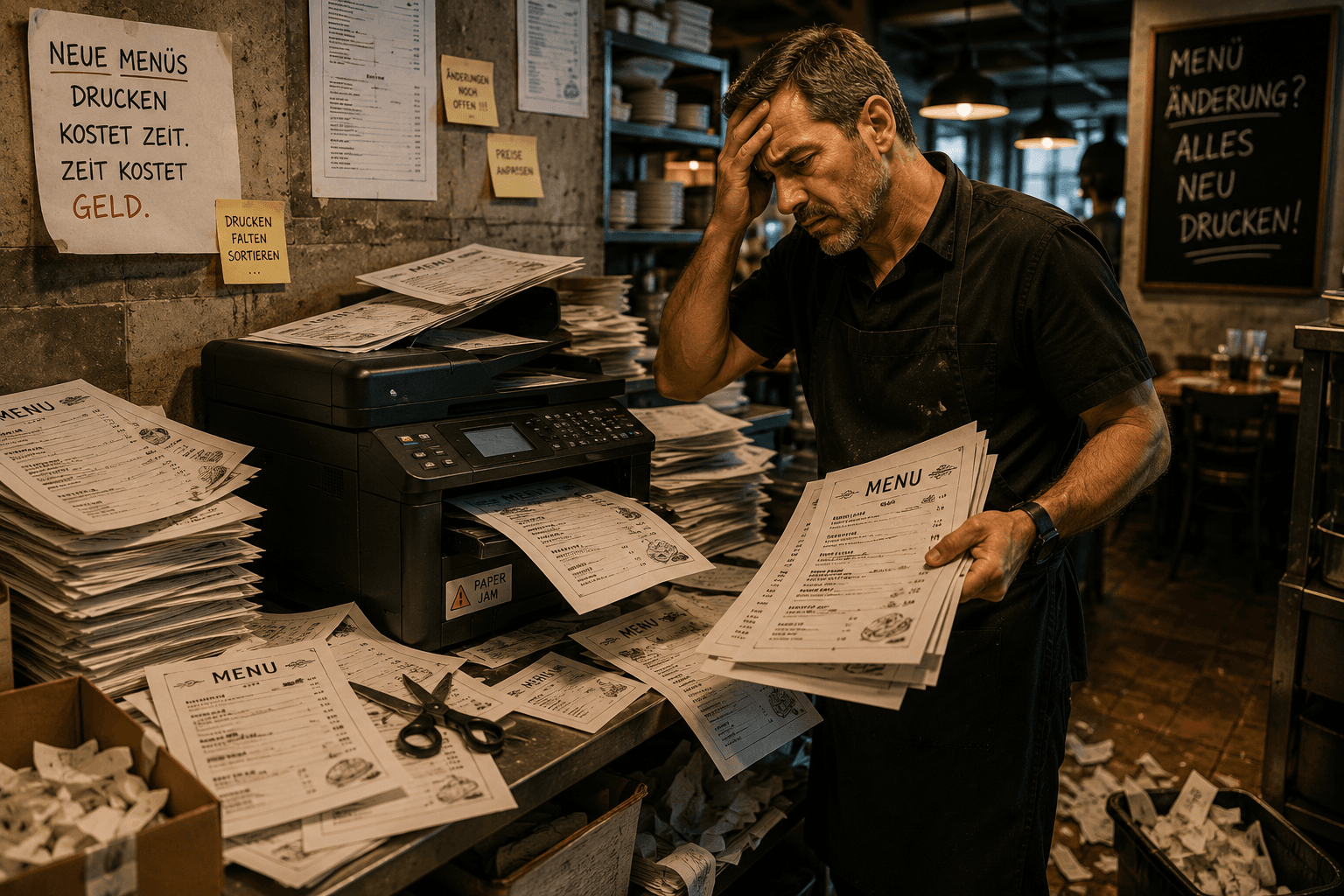
THE PRINTED MENU
One dish is out. The menu still lists it. The waiter explains it at every table, all night.
HOW AN ORDER MOVES RIGHT NOW
Every handoff is a place where an order can change.
01
Guest waves
Waiting for free attention
02
Waiter notes
Handwritten, by hand
03
Ticket to kitchen
Carried, not sent
04
Kitchen reads
Handwriting, assumptions
05
Bill at table
Split by hand
SYSTEM INSTALLED
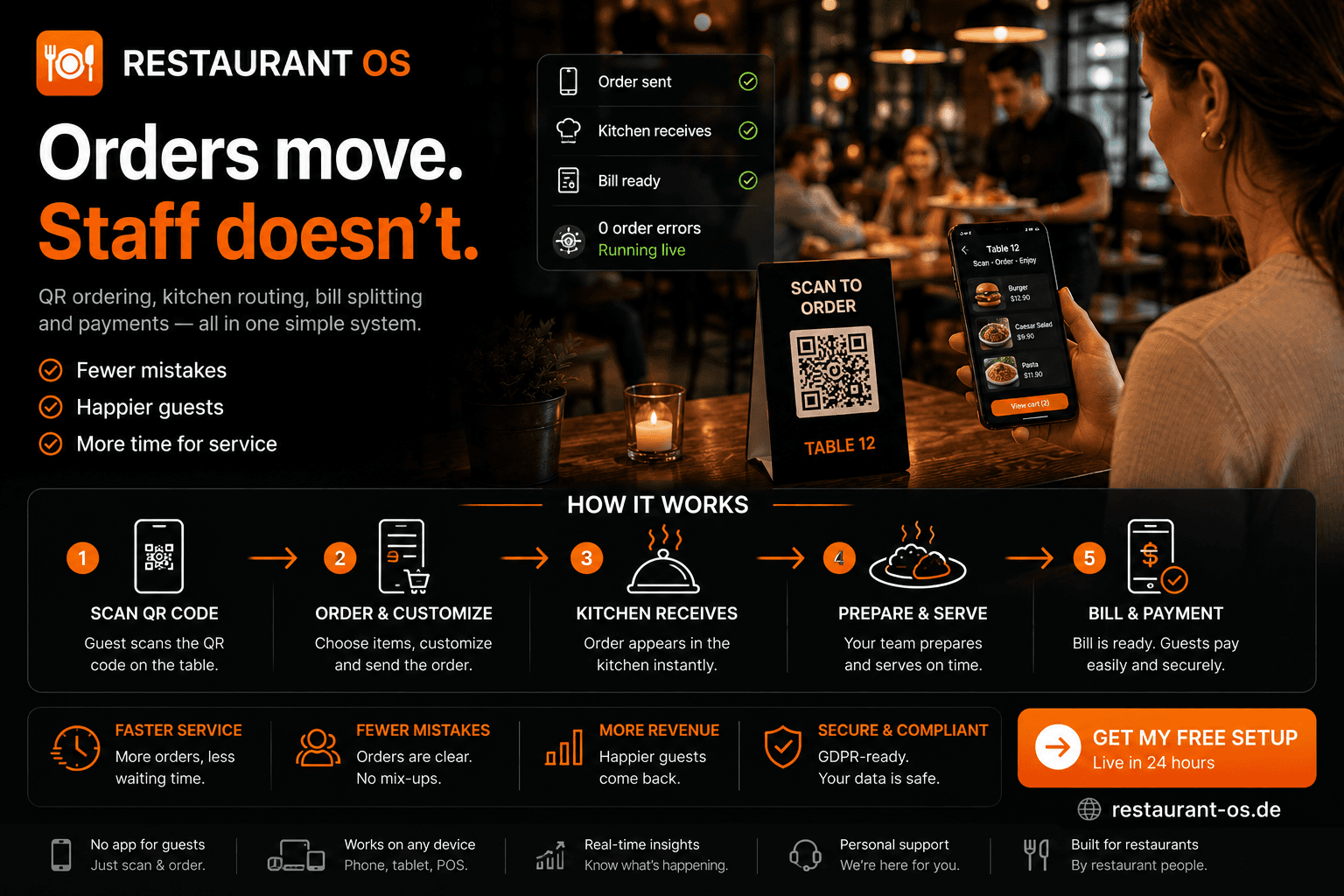
The guest scans the QR code at the table. The order is in the kitchen instantly.
No app install. The guest opens the full menu in the browser, customises items and orders from their own phone. The order appears instantly on the kitchen screen, with table and position, no relay, no paper.
When the bill arrives, guests pay easily, solo, split equally, or by seat. The system runs alongside the existing till, nothing needs to switch over on day one.
WHAT RUNS AUTOMATICALLY
QR menu, always current, no reprinting
Order, straight from the table to the kitchen
Kitchen routing, no paper, no shouting
Bill splitting, however the table wants it
Payment, integrated, alongside the existing till
HOW AN ORDER MOVES
From the scan at the table to the paid bill.
Scan QR
Guest scans the QR code on the table. Opens the full menu in the browser. No app install needed.
Order
Browse the menu, customise items and place the order from any phone.
Kitchen
Order appears in the kitchen instantly. No relay, no shouting, no missed items.
Prepare
Your team prepares and serves on time. Staff focus on service, not coordination.
Payment
Bill is ready. Guests pay easily, solo, shared equally, or split by seat.
THE SYSTEM IN OPERATION
WHAT CHANGES AFTER INSTALLATION
Service does not change. How orders arrive does.
BEFORE
AFTER
Guest waves, waits for the waiter
Guest scans and orders directly from the table
Order ticket carried to the kitchen by hand
Order appears instantly on the kitchen screen
Menu printed, outdated the moment a dish runs out
Menu digital, always current
Bill split by hand at the table
Bill split however the table wants it
SEE THE SYSTEM
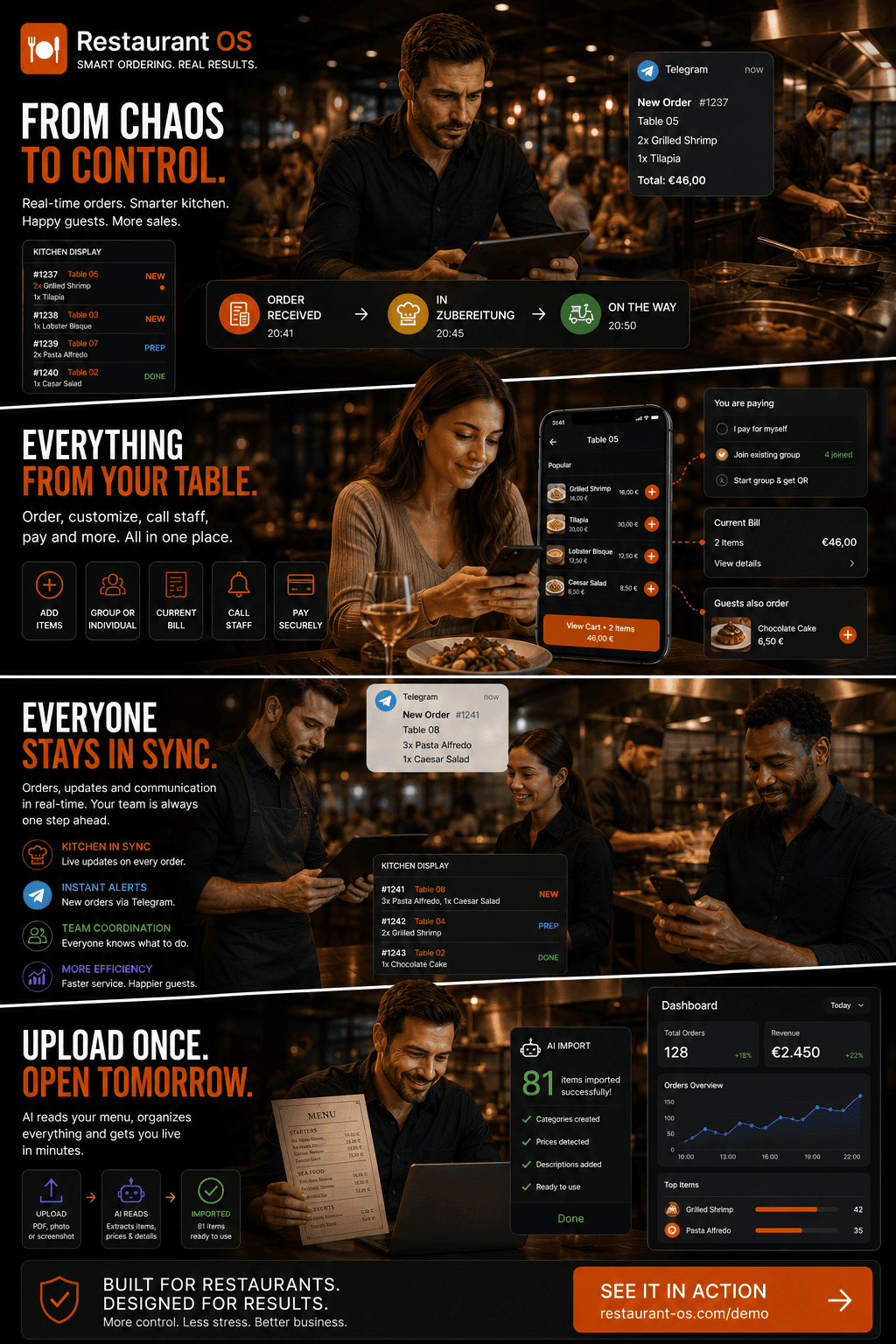
From the table to the kitchen, in real moments.
Ordering from the table
Kitchen view in real time

Bill and payment
WHAT HAPPENS NEXT
From the first conversation to the first service running on the system.
01
Short conversation
We learn about the restaurant, table count, kitchen flow, current till and where the pressure is greatest.
02
Menu onboarded
Your menu is digitised and set up in the system, prices, categories, modifications.
03
System configured
RestaurantOS installed on your domain, branding and colours matched, alongside your existing till.
04
Running from service one
Guests scan and order, staff focus on the table, not on coordination.
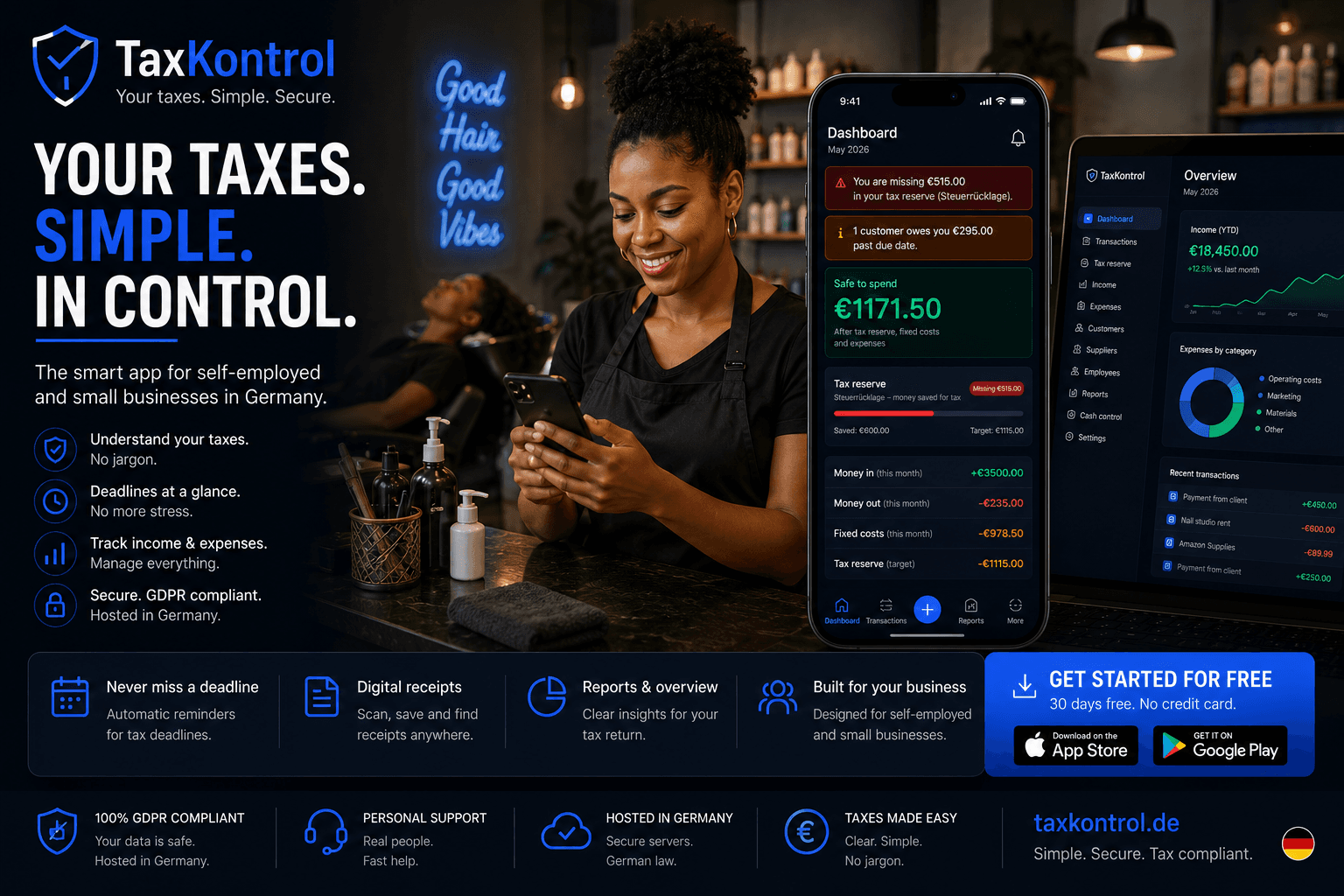
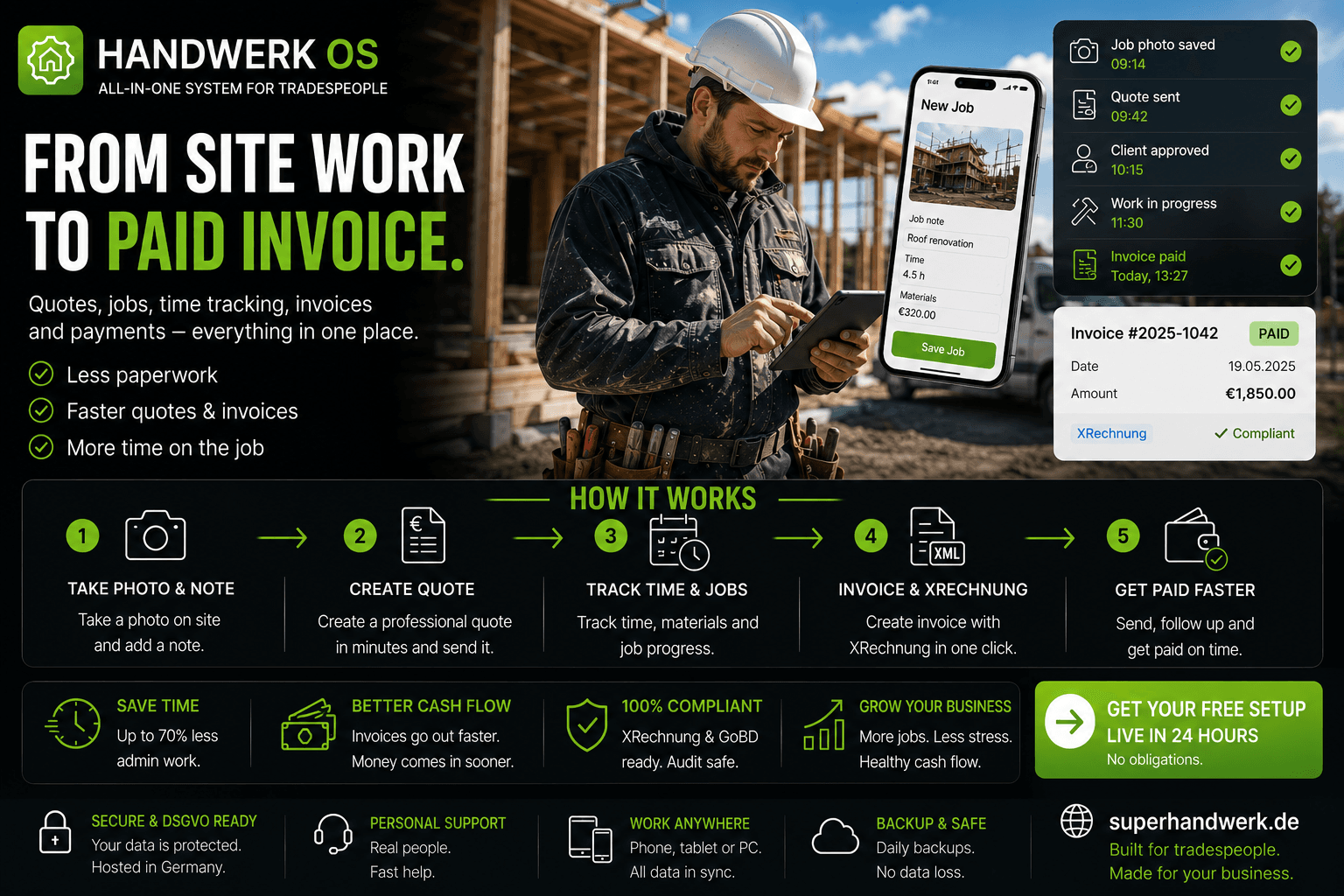
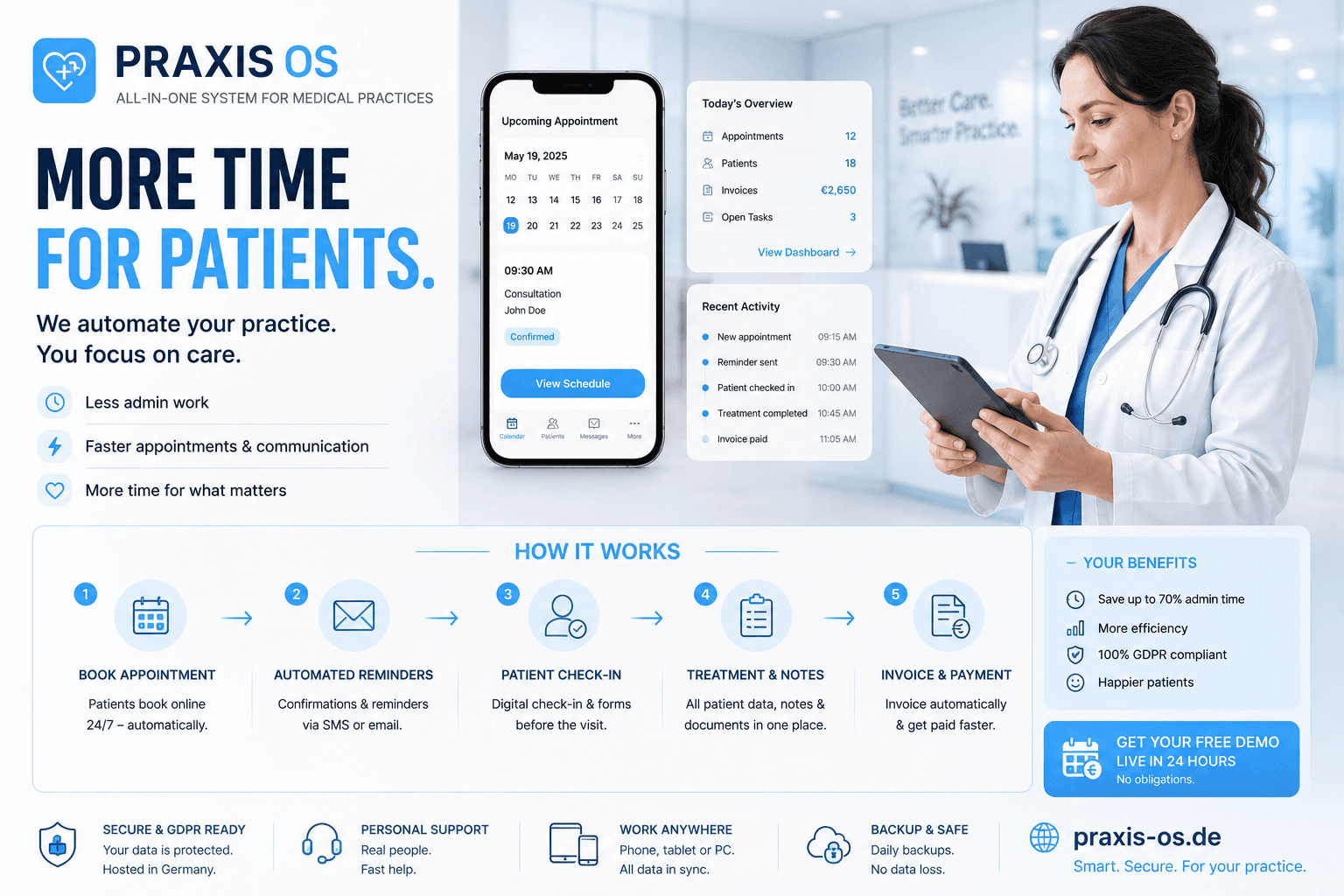
CONNECTED SYSTEMS
Operations rarely run in one system.
Businesses usually solve more than one operational bottleneck. These systems often work together.
COMMONLY ASKED
Can I use my own domain?
Yes. The system is installed on your domain. No Maxpromo branding is visible.
Can I keep cash payments?
Yes. QR ordering and card payments run alongside your existing till. Nothing needs to switch over on day one.
Do staff need training?
Minimal. The system is built for restaurant teams, not IT. Most teams are operational in a 20-minute walkthrough.
Can I add delivery later?
Yes. Delivery module, reservations, and loyalty can be activated after installation.
REQUEST A DEMO
See the system working for your restaurant.
Tell us about your restaurant and your current till. We walk through the live system, configured for your menu and table layout.
// No commitment · Reply within 24 hours